> For the complete documentation index, see [llms.txt](https://documents.vinovathemes.com/furstore-documentation/llms.txt). Markdown versions of documentation pages are available by appending `.md` to page URLs; this page is available as [Markdown](https://documents.vinovathemes.com/furstore-documentation/general-settings/fake-sale-popup.md).
# Fake Sale Popup
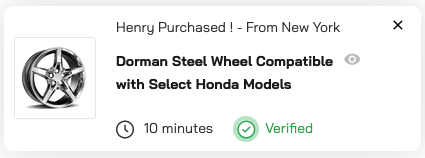
It has a feature that generates fake sales notifications to engage site visitors. The feature gives complete control with many customization options. This is an effective marketing tool designed to boost customer conversion.
Fake Sale Popup
{% hint style="info" %}
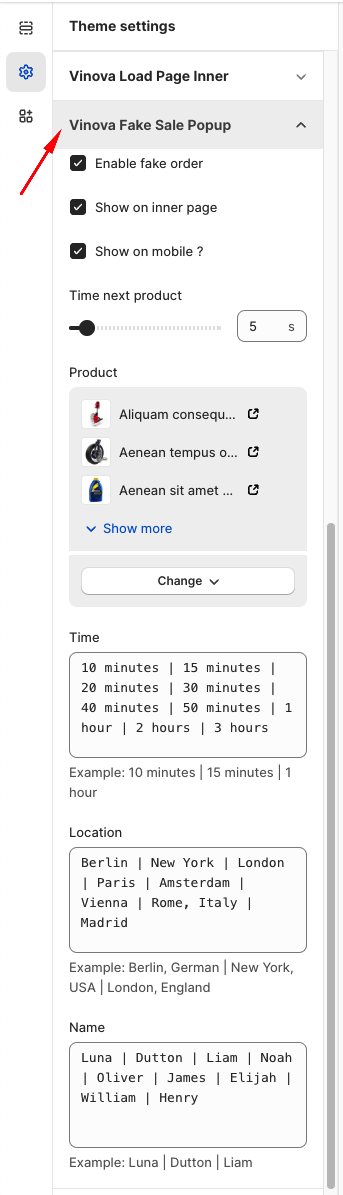
From "**Theme Settings**", click the tab "**Vinova Fake Sale Popup**"
{% endhint %}
The options are named intuitively and easy to use so that we won't describe each in detail.