> For the complete documentation index, see [llms.txt](https://documents.vinovathemes.com/furstore-documentation/llms.txt). Markdown versions of documentation pages are available by appending `.md` to page URLs; this page is available as [Markdown](https://documents.vinovathemes.com/furstore-documentation/general-settings/product-element-settings.md).
# Product Element Settings
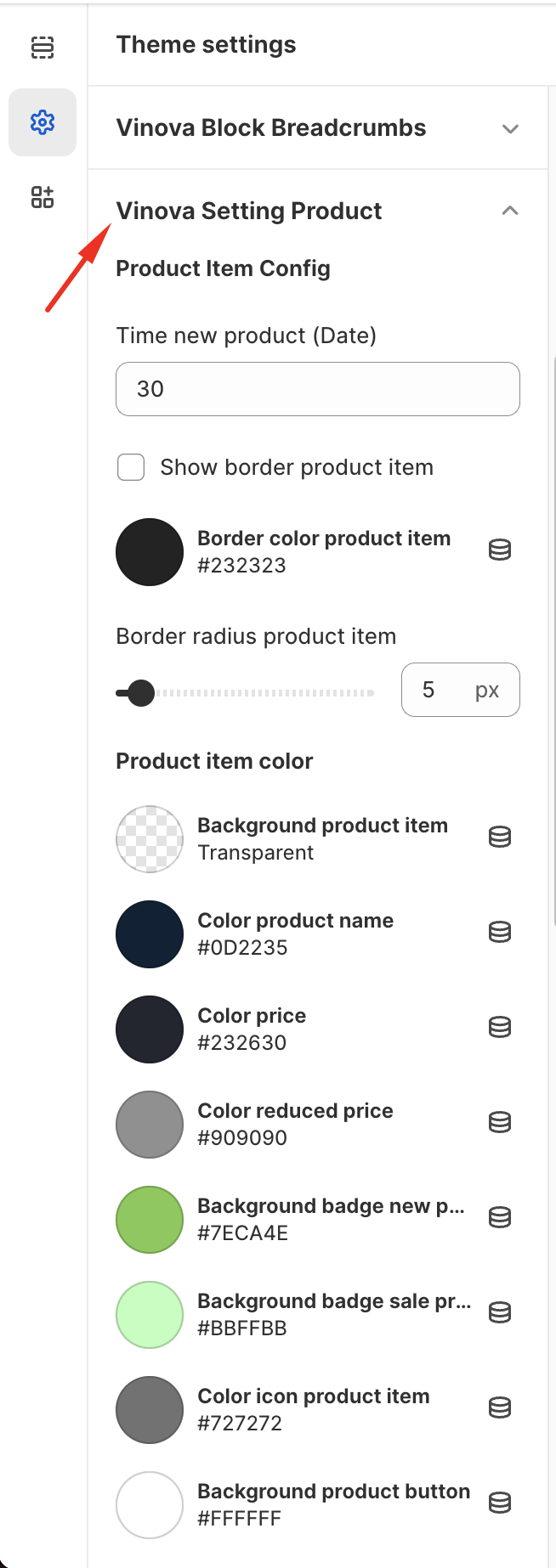
Customizing the Product element has never been easier! With just a single click, you can personalize it to your liking. You have the option of adding borders, changing the border radius, and enabling/disabling specific elements of the Product that you may not require to be displayed. There are numerous customization options available for you to explore and create a unique experience. So, go ahead and try it out!
{% hint style="info" %}
From "**Theme Settings**", click tab "**Vinova Setting Product**"
{% endhint %}
Product Settings Panel
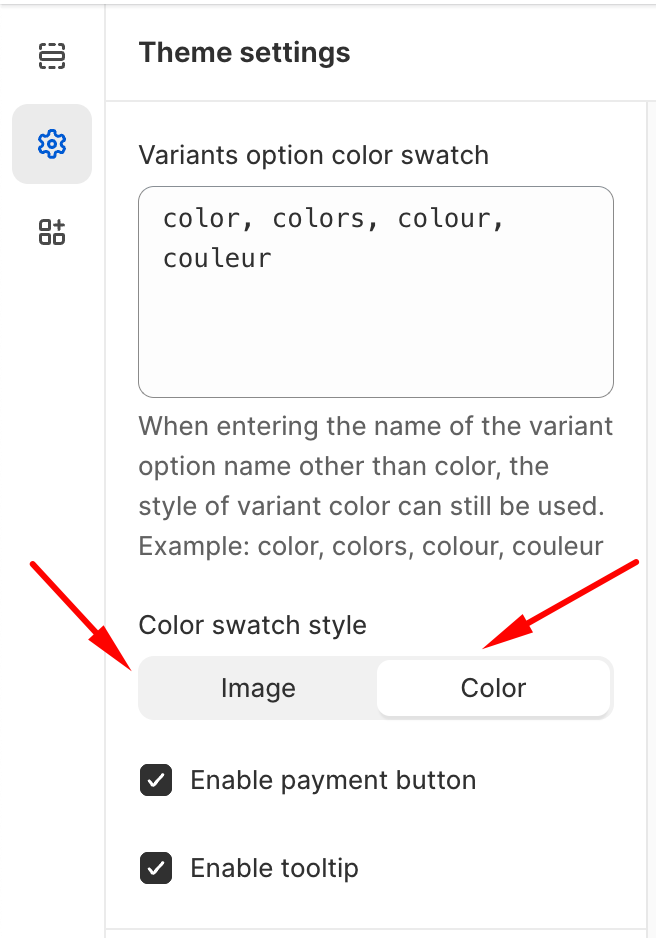
There are 2 types of Color Swatch: "Image" and "Color Dot"
### Please watch the video to understand this setting better.
{% embed url="" %}