> For the complete documentation index, see [llms.txt](https://documents.vinovathemes.com/furstore-documentation/llms.txt). Markdown versions of documentation pages are available by appending `.md` to page URLs; this page is available as [Markdown](https://documents.vinovathemes.com/furstore-documentation/menu-setting/mobile-menu.md).
# Mobile Menu
{% hint style="info" %}
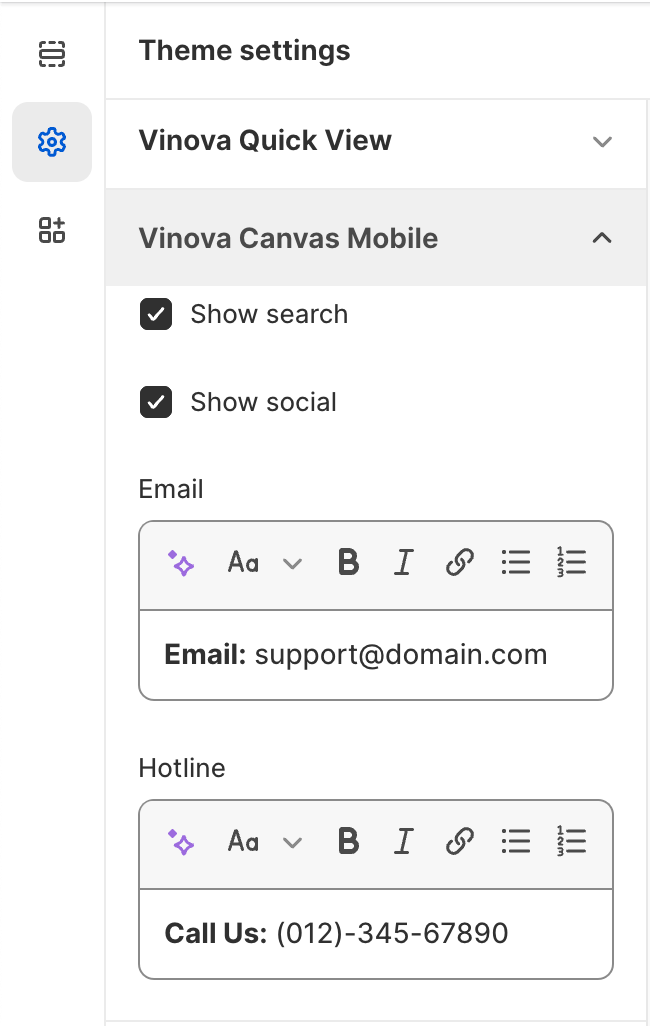
From "**Theme Settings**", click the tab "**Vinova Canvas Mobile**"
{% endhint %}
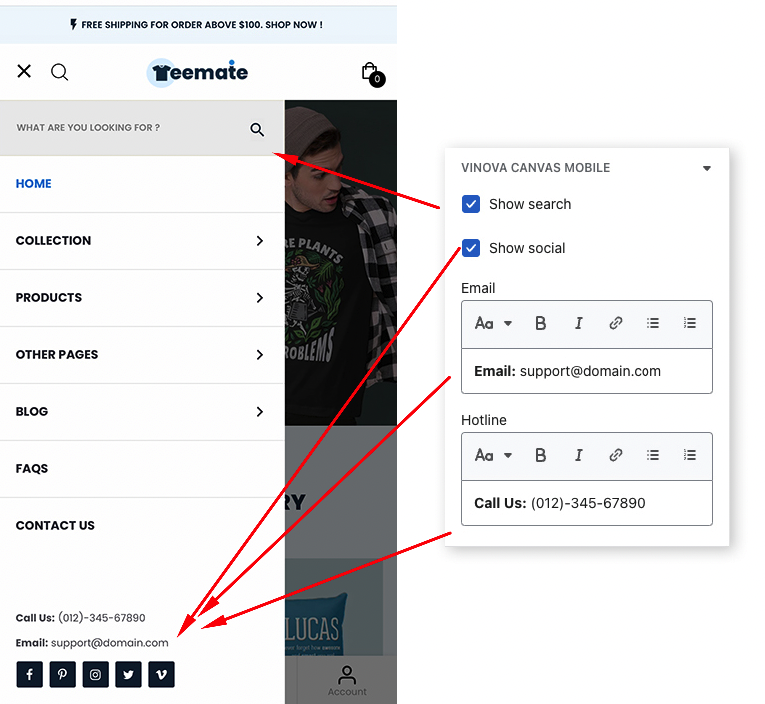
1. **Show search:** Enable/Disable the search bar in the mobile canvas menu
2. **Show social:** Enable/Disable social icons at the bottom of the mobile canvas menu
3. **Email & Hotline:** Email information and hotline number displayed at the bottom of the mobile canvas menu
You can see the details of these customizations and the corresponding features displayed on the mobile canvas here :